
Want to make sure your move is seamless? Concerned about Migrating your IT infrastructure?
This IT relocation guide details the essential steps and insider tips to streamline your move. Discover how to minimize downtime, secure your data, and coordinate the essential elements of a seamless IT transition—all while keeping your business running smoothly.
Effective IT relocation requires meticulous planning which should start at least 6-9 months upfront, including creating timelines, designating roles using tools like RACI matrices, and making a detailed inventory of all IT assets.
Before relocating, it’s essential to evaluate the new site’s infrastructure for power outlets, network cabling, server room requirements, and the availability of adequate internet service providers and phone lines to ensure seamless operations post-move.
Data security and backup strategies are imperative during the relocation process, which involves enhancing backup frequency, employing data encryption, and possibly partnering with a credible IT relocation company to manage the decommissioning and recommissioning of equipment.

Successful IT relocation hinges on meticulous planning and execution. Begin your relocation journey by setting a timeline, assigning responsibilities, and creating a comprehensive inventory of your IT equipment. This approach ensures a systematic transition, mitigating potential delays and business losses. Remember, the earlier you start planning, the smoother your IT relocation will be.
The planning process heavily depends on the assessment of your new office location. A site visit should be arranged with your IT team to evaluate the configuration and layout of the new space. This allows for an accurate estimation of your IT service provider’s needs and requirements, ensuring a seamless transition. Before initiating the relocation, conduct a thorough analysis of the new office space, identifying any old or broken equipment that needs to be replaced or repaired.
Establishing a timeline stands as a crucial initial step in your IT relocation. A well-planned timeline can alleviate stress, minimize unforeseen costs, and ensure a seamless transition of IT and phone systems. Planning your IT relocation at least two months in advance is recommended, allowing for any unforeseen challenges.
A poorly planned timeline can result in logistical challenges, increased expenses, and system downtime. The recommended timeline for an IT relocation is typically six to nine months before the move. This timeframe allows for the assembly of the office design team and coordination of the complex relocation process.
To manage an IT relocation effectively, the allocation of responsibilities is key. Utilize a RACI matrix to efficiently allocate responsibilities among team members, clarify roles, and ensure all tasks are well-understood. It’s important to establish roles such as providing technical support to users, resolving software and hardware issues, and ensuring uninterrupted operations during the move.
The roles and responsibilities of a relocation coordination specialist during the relocation encompass:
Coordinating with ALL relevant vendors
Confirm availability and connectivity details
Coordinate all relevant contracts new and old
Create a seamless transition
IT project management and relocation services
Ensuring a seamless transition of IT equipment, people and services
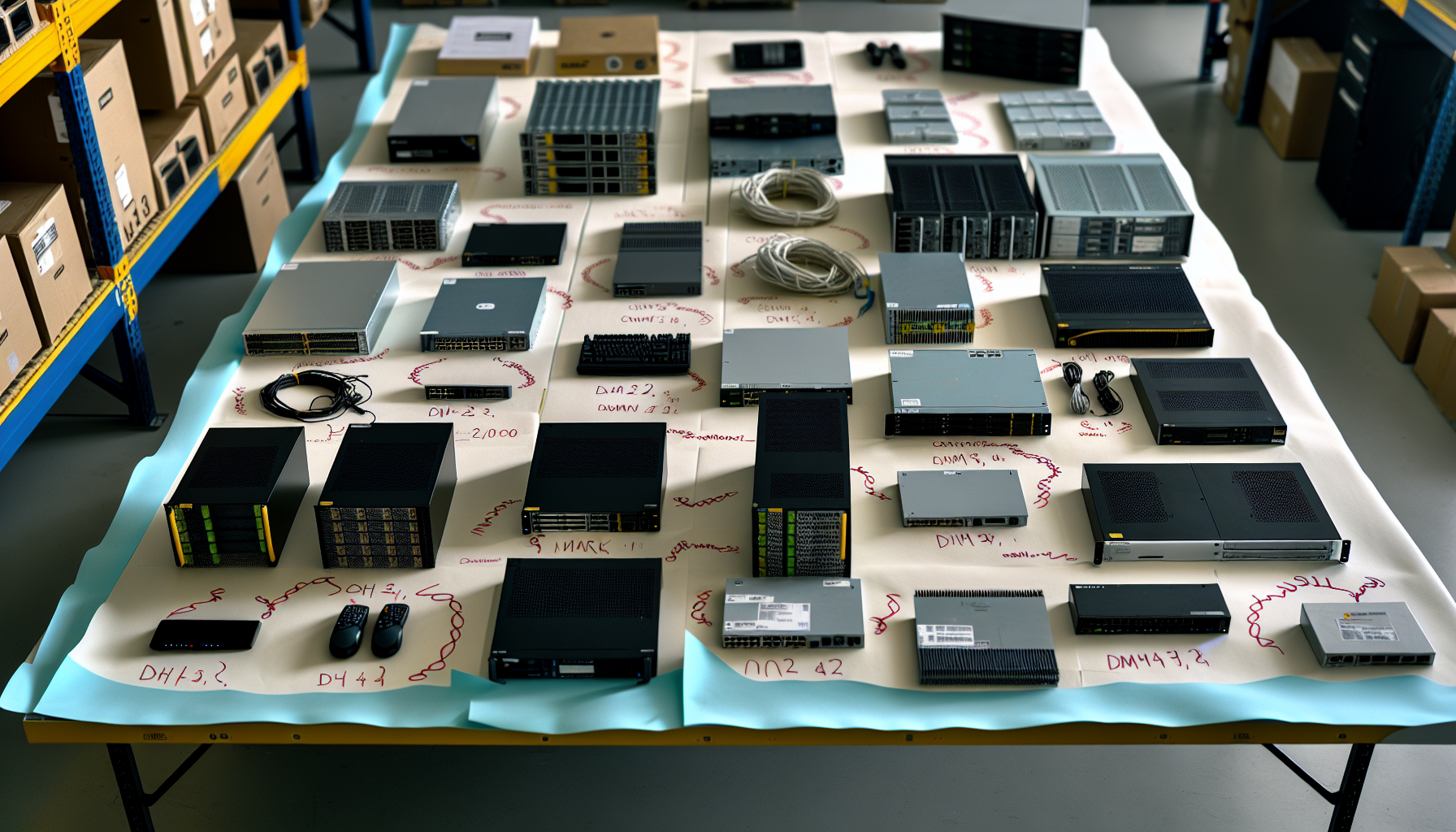
An inventory of equipment helps pinpoint necessary upgrades, repairs, or replacements. This ensures all IT equipment is prepared for the relocation and will operate effectively post-installation.
The equipment inventory should encompass a comprehensive list of all IT assets. Create a master database that includes pertinent details such as serial numbers, warranty information, and department ownership. Regular updates to the inventory, providing comprehensive information such as the value and location of each item, is crucial.

Evaluating the infrastructure and connectivity of your new office location is a vital component of the relocation process. This includes an evaluation of:
Power outlets
Network cabling
Server room requirements
Available internet service providers and phone lines
Ensuring these elements meet your business requirements is crucial for seamless connectivity and operations.
A site visit by the IT team and the IT relocation company is a practical step to identify suitable locations for routers, servers, and other devices. This allows for a comprehensive evaluation of the new office’s IT infrastructure, facilitating an efficient network layout plan.
The adequacy of power outlets and network cabling in your new office is a key consideration. During the site visit, assess the following:
Power circuits
Electrical sockets
Data cables
Network points
Consider the potential need for additional plug points to accommodate future expansion. Verify that the existing infrastructure can adequately support the requirements of the IT equipment.
To maintain safety and compatibility, organize network cables to prevent accidents such as tripping. Verify that the power outlets align with the required input and output voltages, power capacity, and receptacle types to meet the needs of the IT equipment.
The server room is the heart of your IT infrastructure and requires careful assessment. During the site visit, focus on the following requirements:
Network cable
Access control
Heating
Cooling
Electrical
Structural
The room dimensions should align with the kW load of the installed equipment, typically falling within the range of 50 to 100 watts per square foot.
When considering the optimal location for a server room in an office, prioritize proximity to the center of the office. This facilitates the distribution of cables and promotes efficient connectivity across the office space.
The availability of dependable internet service providers and phone lines at the new office is crucial to maintaining seamless business operations. When transferring your current internet service to a new location, follow these steps:
Contact your internet service provider well in advance to ensure they offer services at your new office.
Schedule the transfer of your internet connection to coincide with your move.
Upon arrival at the new office, ensure that your internet connection is successfully synced and working properly.
By following these steps, you can ensure a smooth transition of your internet service to your new office location.
Consideration should also be given to your phone system requirements. Determine how many phone lines are required and coordinate with your phone vendors to confirm availability and connectivity details. This ensures that your communication systems are set up and ready to go as soon as your office relocation is complete.

Much like protecting your physical assets during a move, it’s equally important to secure your data during an IT relocation. This involves implementing backup strategies and data security measures to protect your data from any potential risks during the relocation process.
For successful IT relocation, a thorough data backup plan is indispensable. Here are some key steps to consider:
Enhance backup frequency
Align backup strategy with service-level demands
Ensure redundancy through multiple backup sources
Prioritize offsite storage
Consider leveraging cloud backup with advanced security features and flexibility.
Following these steps will help ensure that your data is protected during the relocation process.
A comprehensive backup plan is crucial for a smooth IT relocation. A disaster recovery plan plays a significant role in facilitating the swift recovery of essential systems and data during an IT disruption, thereby upholding uninterrupted business operations.
When developing a disaster recovery plan, follow these steps:
Back up data
Include a detailed contingency plan
Obtain organization-wide commitment
Establish a planning committee
Perform a risk assessment
Identify critical systems and data
Define recovery objectives
Develop recovery strategies
Document the plan
Regularly test and update the plan.
Another vital facet of IT relocation is data security. Encrypting sensitive data before the move and using encrypted connections such as HTTPS, SSL, TLS, or FTPS can safeguard the contents of the data during transit.
Secure transportation of sensitive data is also important. Here are some steps to ensure the security of your data during a move:
Ensure that all password- and encryption-protected data is secure.
Lock off PCs and servers with secure passwords to prevent unauthorized access.
Properly label all sensitive data and equipment, monitoring their location during the move.
Collaborating with a trustworthy IT relocation company can significantly ease the relocation process. A reliable IT relocation company brings the necessary expertise for IT equipment decommissioning and recommissioning during the move, ensuring a smooth transition to the new location.
When choosing an IT relocation company, consider the following factors:
References that validate their expertise
A single point of contact
Experience in IT relocation
Customer service
Ability to work seamlessly with other trades
Assessing these factors will help ensure that you choose a company with the necessary skills for a successful IT relocation process.
Choosing a trusted IT relocation company stands as an essential step in your IT relocation journey. Here are some factors to consider when choosing a company
Experience in your industry
References
First-hand experience with others you trust
These factors are particularly valuable in assessing the credibility and effectiveness of a service.
Successful IT relocation hinges on:
Efficient communication and coordination between your IT department and the relocation service provider
Involvement of all departments
Fostering effective communication between departments
Thorough planning
The IT department is expected to ensure the proper transfer of services, audit equipment, and prepare the site for the relocation project.
Meanwhile, the it service provider, in this case, the relocation service provider, should assemble a planning team and appoint a move leader. This joint effort is key to effectively managing the intricate process of relocating IT infrastructure and minimizing downtime or service disruptions.

Post-move, attention turns towards the installation and configuration of equipment in the office move. Following the pre-established layout and connectivity plans, install and configure all IT equipment in the new office. Then, test and troubleshoot all systems to ensure they are functioning properly.
Comprehensive testing of the following is crucial to verify the accurate functioning of all IT systems and to support a smooth transition with minimal downtime:
Power outlets
Network ports
Internet connection
Phone lines
Communications equipment
Any issues identified during this phase should be promptly addressed to avoid disruptions to business operations.
In the post-move phase, a vital step is the installation and configuration of IT equipment. This process includes:
Creating an inventory of all existing equipment
Evaluating the equipment and determining its requirements
Considering communication and cabling needs
Carefully plan the IT relocation in advance
During installation and configuration, be mindful of common errors such as:
Incorrect system requirements
Inadequate permissions
Missing dependencies
Improper settings
Incomplete uninstallation
Taking these precautions can help ensure a smooth installation and configuration process, setting the stage for successful operations in your new office.
Upon completing the installation and configuration, the next step is to test and troubleshoot all systems. This includes:
Functional testing
Server/client infrastructure testing
Upgrade scenario testing
Operating system support testing
Validating the code
Conducting unit testing
These steps are crucial for ensuring the system’s readiness and navigating the challenging process.
Testing of power outlets is also critical. Use a multimeter to check for the appropriate voltage, ensuring that all outlets can safely provide power to IT equipment. Also, verify telephone numbers and ensure that the cabling meets the communication requirements.
In conclusion, IT relocation is a complex process that requires meticulous planning, careful execution, and a strong focus on data security. Partnering with a reputable IT relocation company can greatly simplify the process and ensure a smooth transition. Post-move, focus on the installation and configuration of IT equipment, followed by comprehensive testing and troubleshooting. By following these steps, you can ensure a seamless IT relocation with minimal downtime, setting the stage for successful operations in your new office.
To prepare for office relocation, create an inventory of the old space, cancel services, remove branding, hire cleaning services, and return keys and passwords to the landlord or new owner. It’s also important to appoint a project manager, review the current lease, set a budget, and establish a relocation deadline.
The key steps in planning an IT relocation involve setting a timeline, assigning responsibilities, creating an equipment inventory, and assessing the new office location for infrastructure and connectivity. These steps are crucial for a successful transition.
Contact Gotham Telecom! We are here to answer all of your relocation questions around the corner or around the world!